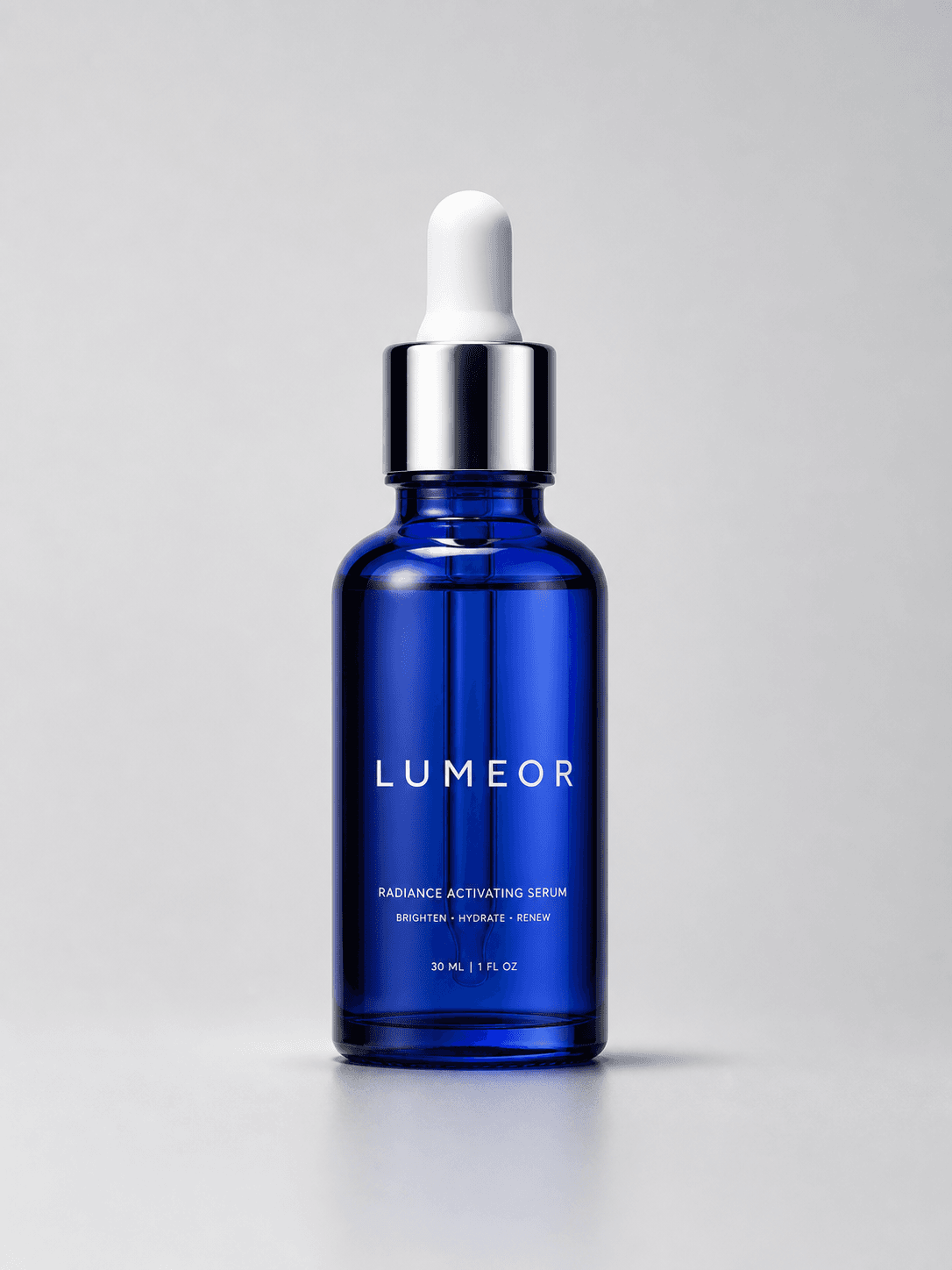
Main image compliance draft
1:1Pure-white, product-only candidate that still requires review.
Amazon listings
Create a main-image compliance draft, alternate angle, lifestyle, detail, feature base, and usage demonstration from one product reference, then review every asset before publishing.
Output
6 listing images
Estimated
72 credits
Review
Product-first
Amazon listing workflow
Create a compliance-oriented main-image draft plus alternate-angle, lifestyle, detail, feature, and usage images.
This run
6 listing images
Estimated
72 credits
Pure-white, product-only candidate that still requires review.
A second clear view of the exact SKU.
Believable product-in-context scene.
Material and packaging detail direction.
Visual hierarchy with copy-safe space.
A close-use interaction without invented dosage or claims.
Upload product reference
JPG, PNG or WEBP · Max 10MB
Optional. Add trusted uploaded packaging references to strengthen SKU identity. The workflow does not invent package contents.
One run, clear deliverables
This visual-family preview explains the role and ratio of every output. Your actual images are generated from your product reference and may vary by product, prompt, and model.
Pure-white, product-only candidate that still requires review.

A second clear view of the exact SKU.

Believable product-in-context scene.
Material and packaging detail direction.

Visual hierarchy with copy-safe space.
A close-use interaction without invented dosage or claims.
How it works
Use one clear product reference and add the category, selling points, and changes that must be avoided.
Create a main-image draft plus alternate-angle, lifestyle, detail, feature-base, and usage-demonstration images as separate child tasks.
Verify the actual product, included items, packaging, labels, frame fill, claims, category rules, and current Amazon requirements before publishing.
Before you publish
AI can help explore visual directions, but your team should verify packaging text, logos, product structure, claims, and current marketplace requirements before publishing.
View generation creditsUse generated images carefully and review the latest marketplace image rules for your category before publishing.
Treat the generated main image as a draft. Verify it against the actual product and current category rules; use source-photo background cleanup when strict fidelity is required.
CatalogScene
Generate the planned outputs, review every asset, and keep successful images in your records.